Grayscale Image
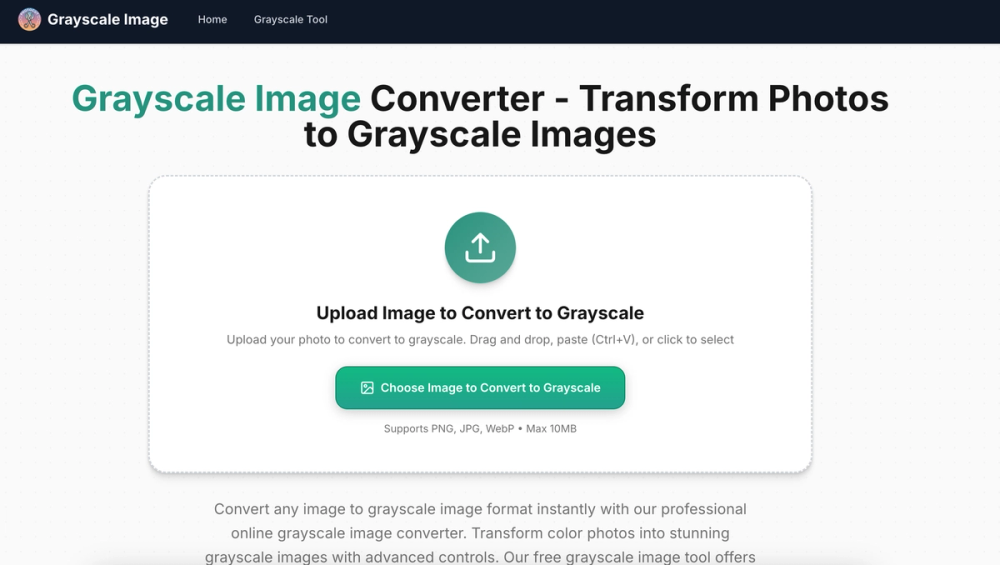
A free, privacy-first online tool for converting color photos to grayscale — right in your browser.
Why Grayscale Image?
- 100% Browser-Based: Your images never leave your device. All processing happens client-side for maximum privacy.
- Multiple Formats: Supports PNG, JPG, and WebP up to 10MB.
- Adjustable Intensity: Fine-tune grayscale levels with intuitive controls.
- Instant Download: One-click conversion with immediate results.
- No Signup Required: Start converting images right away, no account needed.
Use Cases
- Photography: Preview how shots look in black and white before committing to a full edit.
- Design: Create elegant monochrome visuals for print or web.
- Social Media: Stand out with striking grayscale aesthetics.
- Document Prep: Convert color scans to grayscale for cleaner documents.
Additional Tools
Beyond basic grayscale conversion, Grayscale Image also offers:
- Sepia Filter
- Duotone Effect
- Dithering Effect
- Halftone Effect
- Vintage Filter
- Image Posterization
- And more!
Visit grayscaleimage.org to try it free.